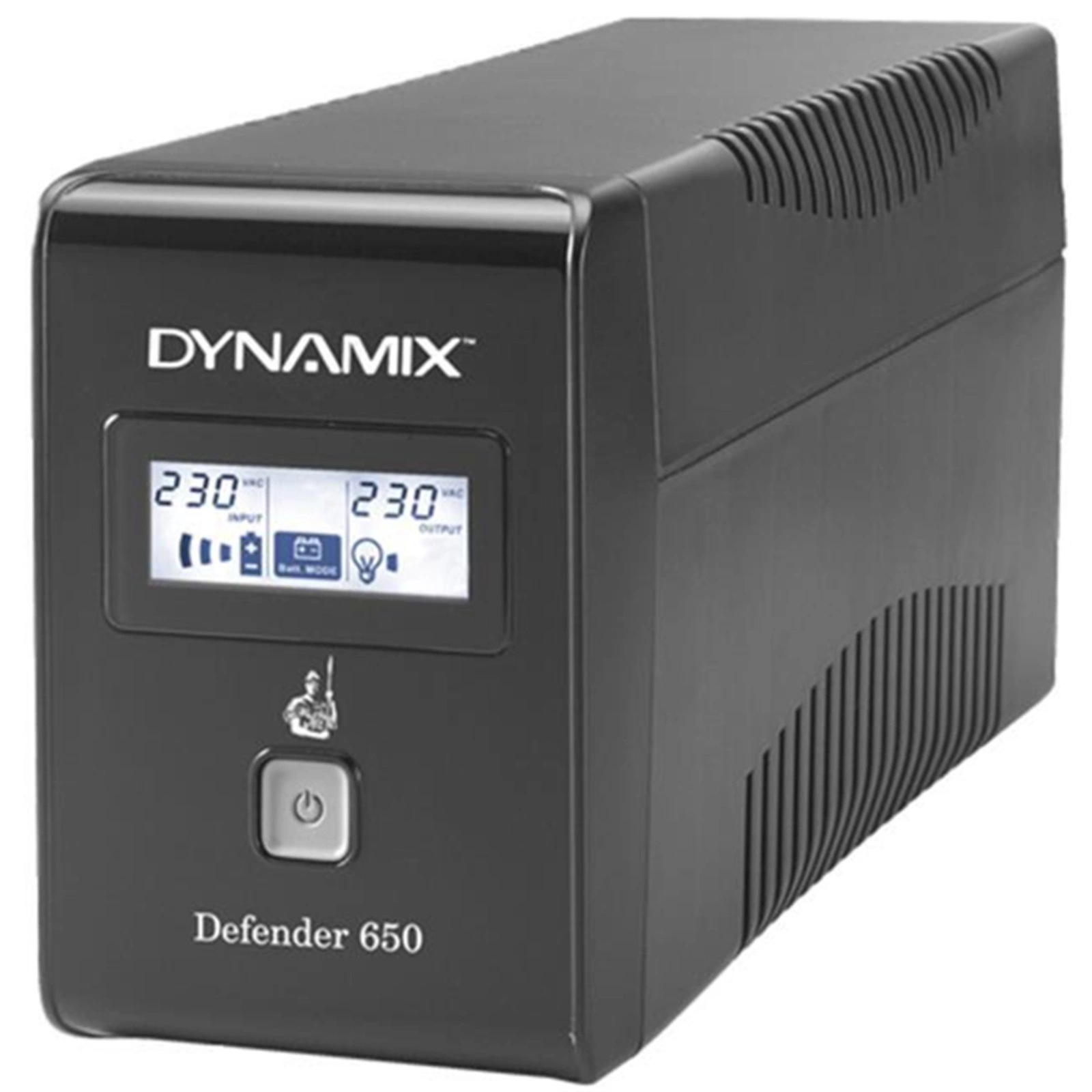
Dynamic Defender 650 UPS
Software Download
Download NetGuard for Windows to manage your Dynamic Defender 650 UPS from your computer. This software provides real-time monitoring, automatic shutdown capabilities, and detailed power event logging.
System Requirements: Windows 7/8/10/11
Visit Official Website for NetGuard Download
Links to official PowerShield manufacturer website
Quick Setup Guide
- Unpack the UPS and check all components are included
- Connect the battery (if not pre-connected)
- Plug the UPS into a wall outlet and charge for 8 hours before first use
- Connect your equipment to the UPS battery backup outlets
- Install the NetGuard software for monitoring and management
- Configure automatic shutdown settings in the software
- Test the UPS by unplugging it from the wall outlet
Need Help? For additional support, consult the user manual included with your UPS or contact our technical support team.